Links
Overview
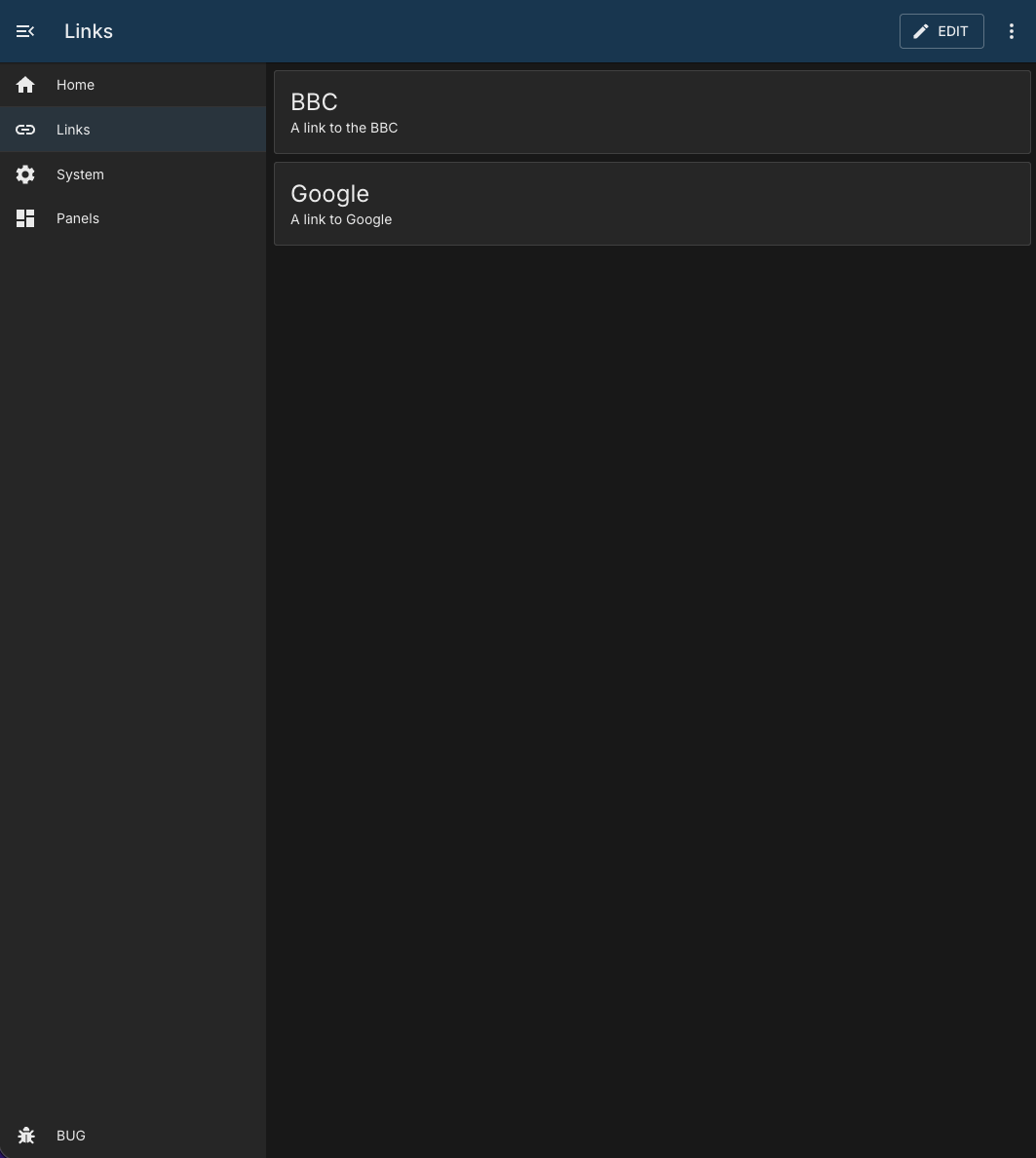
The Links module provides a simple panel of cards that open external URLs.
This is a client-only module:
- No module container
- No API routes, services, or workers under this module
- Link data is stored in panel configuration
Behaviour Modes
Each link supports one of three open behaviors:
| Value | Label | Result |
|---|---|---|
new | Open link in new tab | Opens the URL in a new browser tab/window. |
same | Open link over this tab | Replaces the current page with the URL. |
inside | Open link within this tab | Navigates to the module’s internal iframe view. |
Configuration
Default panel configuration from module.json:
{
    "id": "",
    "order": 0,
    "needsConfigured": false,
    "title": "",
    "module": "links",
    "description": "",
    "notes": "",
    "enabled": false,
    "links": []
}
Link Item Shape
Each item in links should follow this shape:
{
    "title": "Example",
    "description": "Human-friendly summary",
    "url": "https://example.com",
    "behaviour": "new"
}
Notes
- Edit mode uses a dialog to create and update link items.
- The embedded link view supports closing via the close button or
Esc. - If an invalid link index is visited, the module shows a “Link not Found” state.