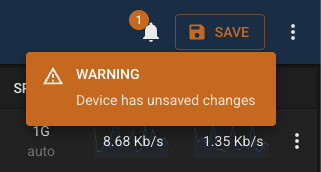
Panel Status
Each module exposes an API endpoint /status used to report panel status. This response can include one or more StatusItems which are displayed in the UI.
Here’s an example:
{
  "status": "success",
  "data": [
    {
      "title": null,
      "key": "staleinterfacesdata",
      "message": [
        "There is no recent interface information for this device."
      ],
      "type": "error",
      "timestamp": 1770104973241,
      "flags": [
        "restartPanel",
        "configurePanel"
      ]
    },
    {
      "title": null,
      "key": "stalevlansdata",
      "message": "VLAN information is out of date.",
      "type": "warning",
      "timestamp": 1770104973241,
      "flags": []
    },
    {
      "title": null,
      "key": "description",
      "message": "Switch model C1300-24FP-4X active and running",
      "type": "default",
      "timestamp": 1770104973245,
      "flags": []
    }
  ]
}
Fields
| Field | Description |
|---|---|
title | Optional title. If not provided then the type is used. |
key | A key to identify each status item. |
message | A string, or array of strings containing the description |
type | One of “critical”, “error”, “warning”, “info”, “success”, “default” |
timestamp | Javascript timestamp of the date last updated |
flags | Optional array of flags to use (see below) |
Flags
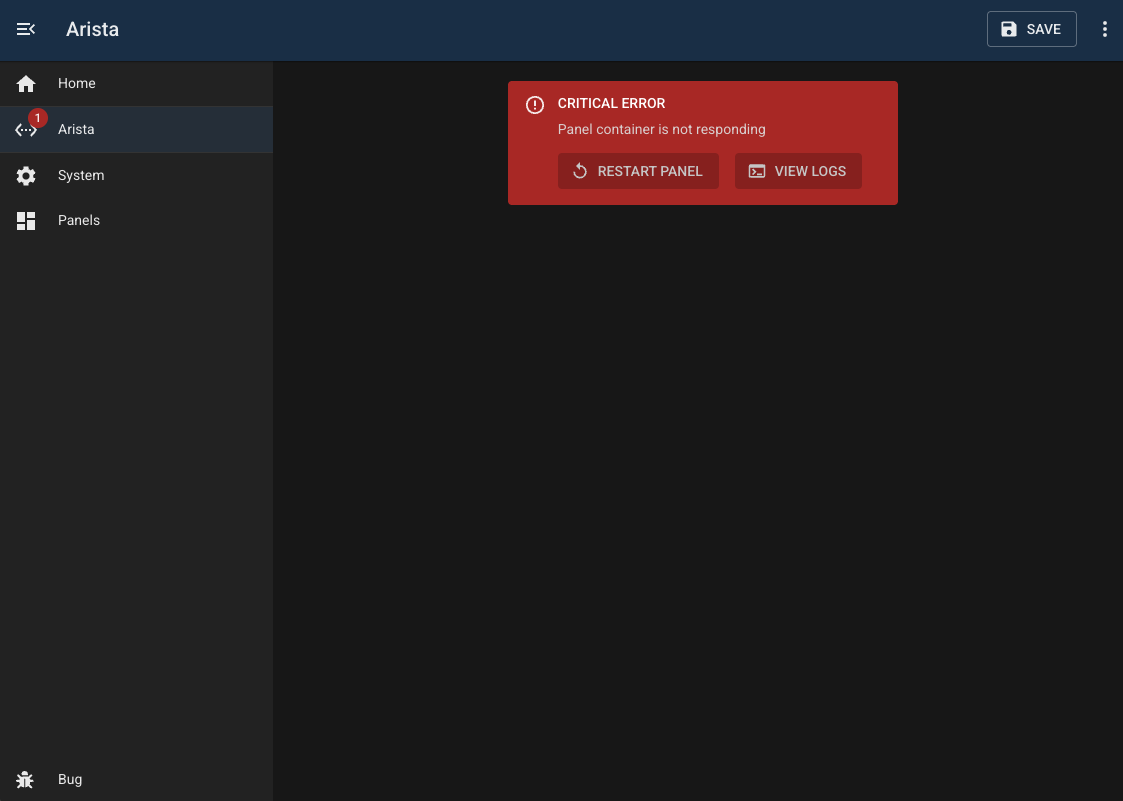
Setting any of these flags will show an action button when the panel is displayed, allowing the user to act on the problem.
| Name | Action |
|---|---|
restartPanel | Restarts the panel container |
configurePanel | Redirects the user to the panel config page |
viewPanelLogs | Shows the panel logs |
Home Page
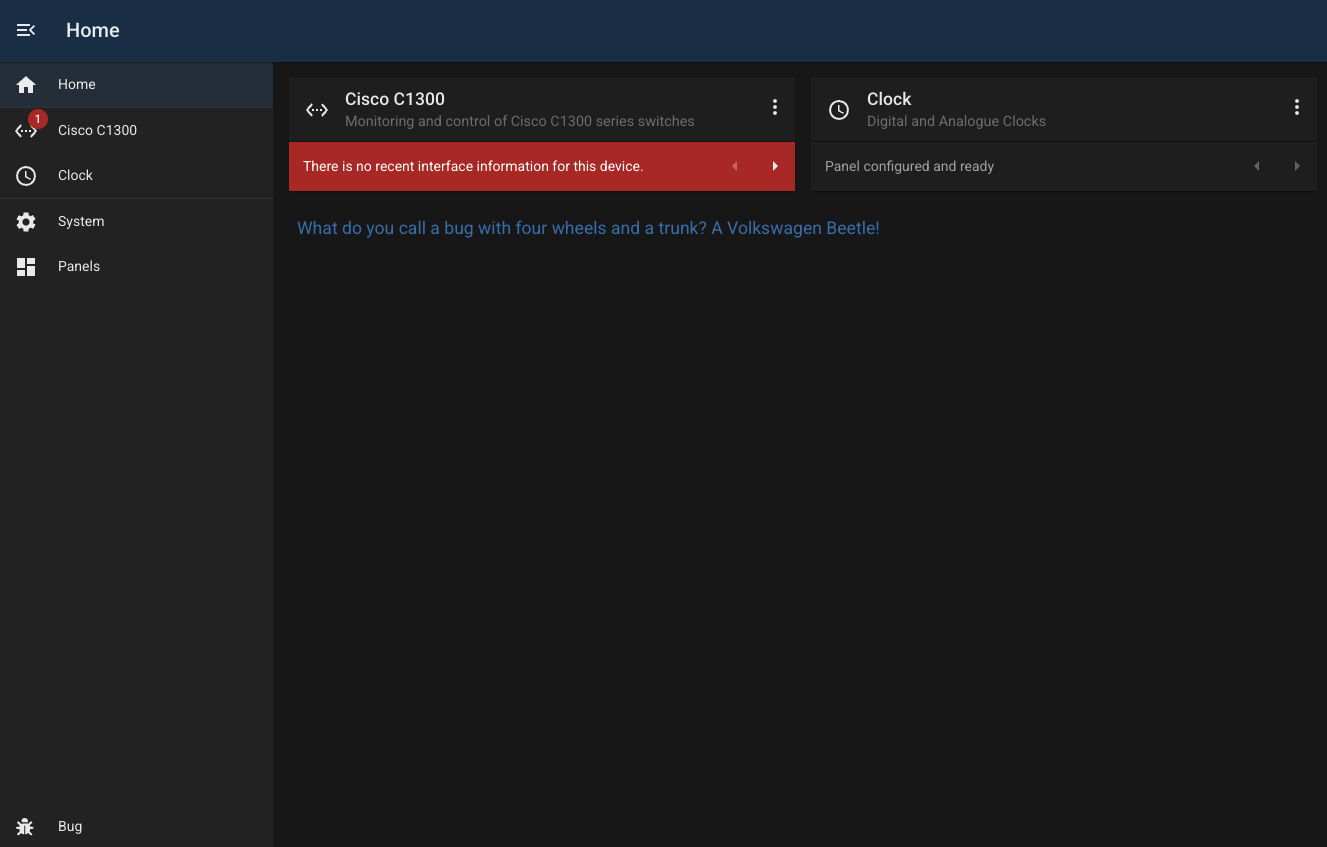
Any status items are shown underneath each Panel Tile on the home page.
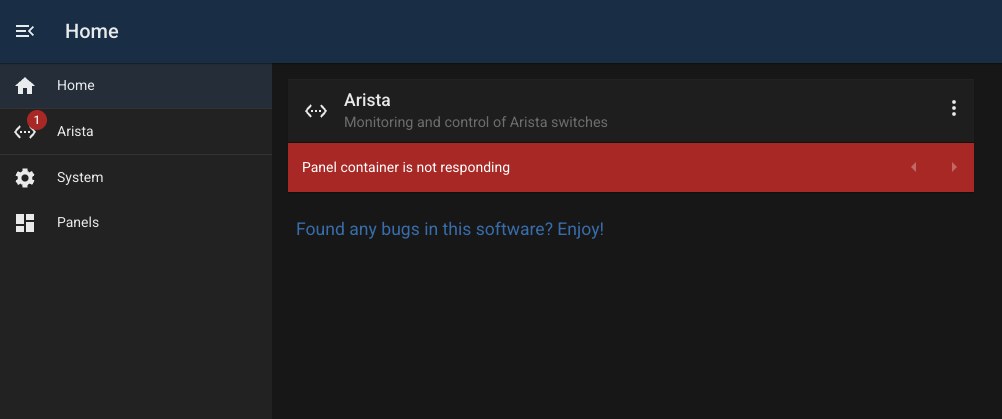
NOTE: Modules which don’t use containers cannot change their status (see clock module below)
Panel Page
If the panel contains critical panel status items, then these are shown in place of the module’s content.
Toolbar
Any non-critical status items are displayed on the toolbar.